
To access the DFY store, follow the steps below
Click on the DFY pack option from the left side menus

Now click on the DFY stores, as shown in the image below

To import the store from the DFY store to the Dashboard, click on the Proceed (+) icon as shown in the image below

Then, Enter the Store name and the Store URL in the corresponding text fields
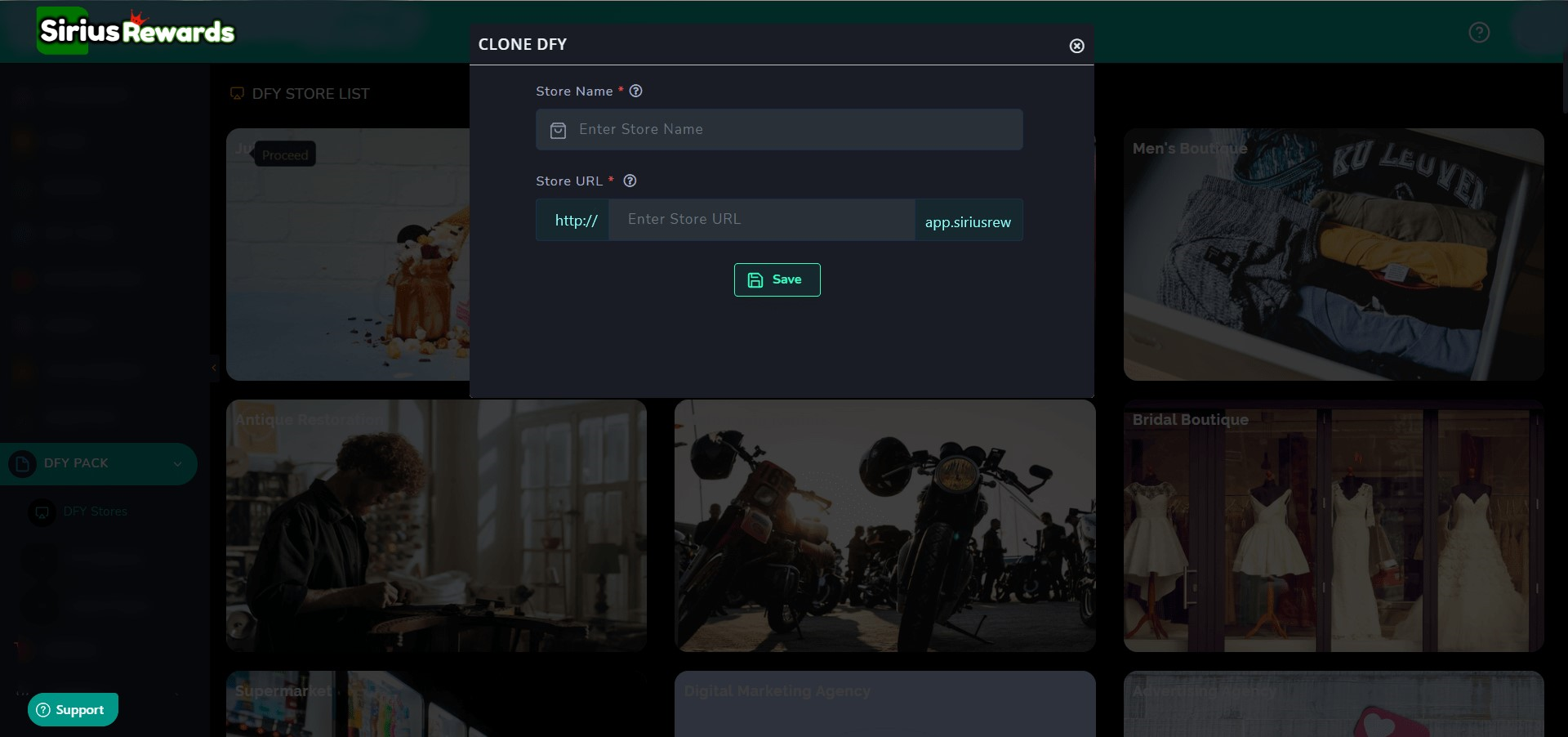
Click on the Save button to import the store